
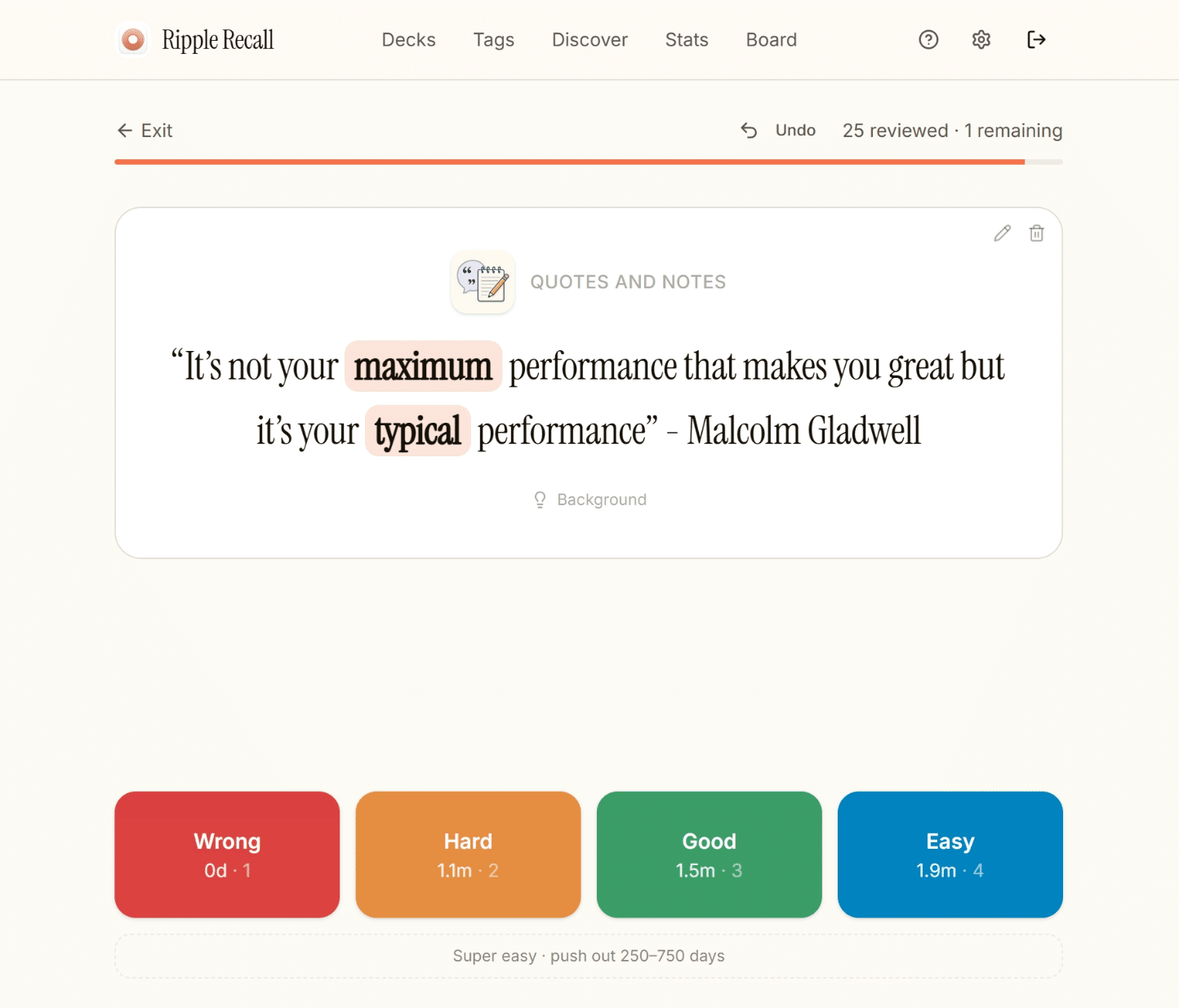
A few months ago I had the opportunity to chat with Victoria Groce, one of the winningest Jeopardy players of all time. I was excited to chat with her, because many people think I’m obsessed with reading and flashcards (which isn’t untrue), but Victoria puts in 10x the work that I do (and it pays off for her).
Among other things, while I’ve reviewed roughly 1.3M flashcards in the past decade, her number is well over 10M! She adds hundreds of new cards every day, and her deck is somewhere around 140,000 cards. It’s amazing.
As we talked about memory techniques, she said something that stood out to me — mostly because I’m bad about it. If she’s digging into a subject she’s not familiar with, she’ll not only build the flashcards around it, but she’ll also take time to do some serious reading about the subject. The flashcards are ultimately what help on Jeopardy, but the reading gives them more context so they’re easier for her to remember.
With that in mind, I added a subtle feature to Ripple Recall to help with that. While her approach to doing comprehensive reading on a given subject is certainly ideal, I’ve tried to build a stepping stone to give just a bit more context to any card in the review.
For reference, one of my review cards might look like this:

When I click “Show answer”, it reveals it like this:
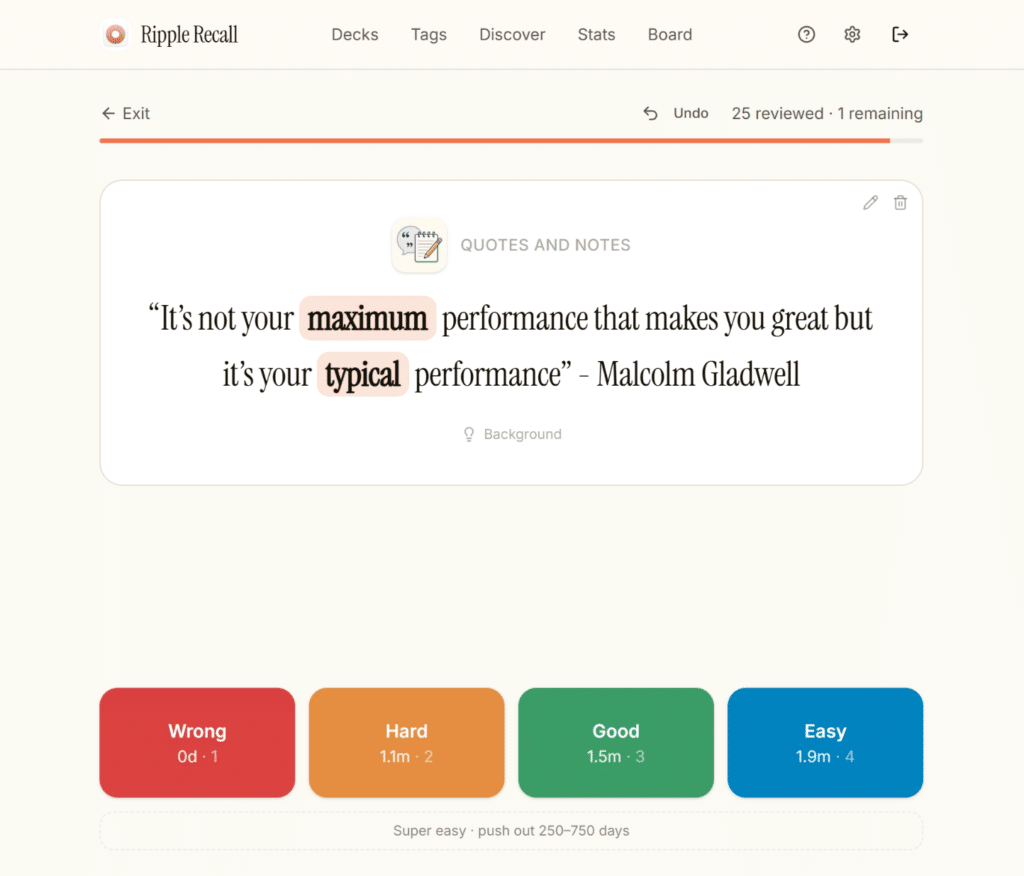
However, notice the small link for “Background” below the answer. Tapping this will pull up an AI-generated summary to explain more context around the card. Here is what it shows for the example I just shared:
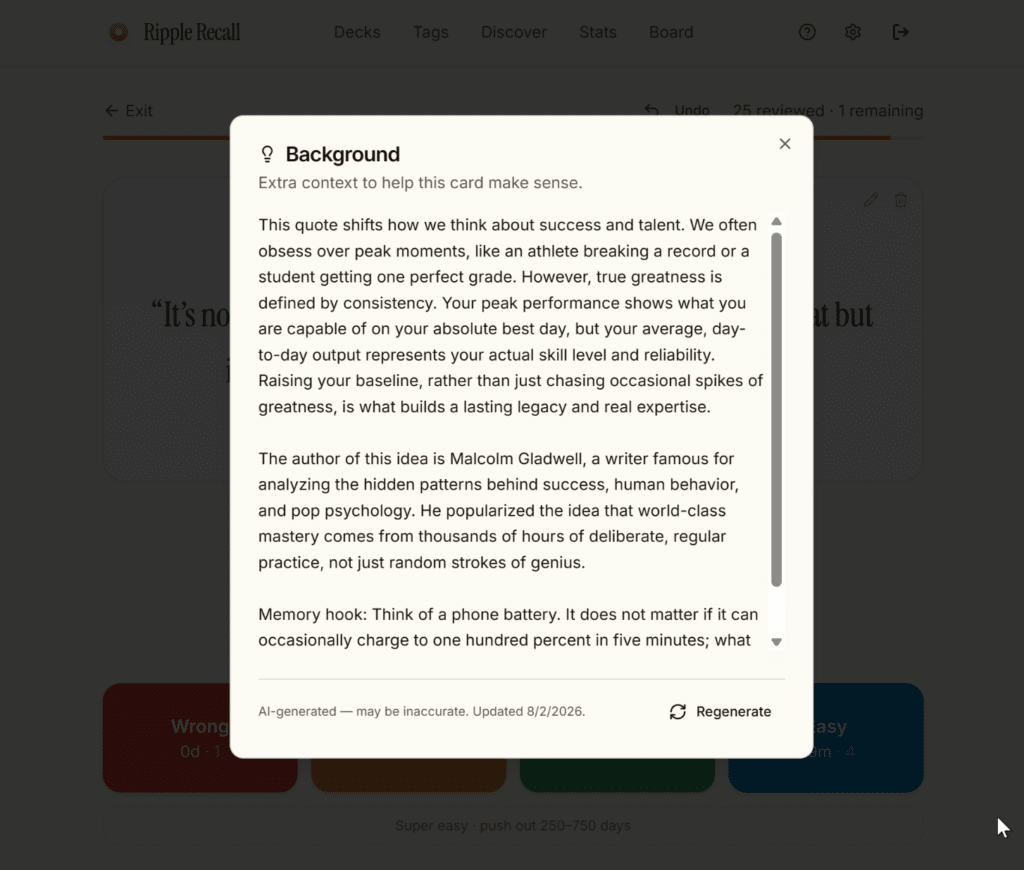
It’s AI, so you should always take the answers with a grain of salt, but thus far they’ve proven to be accurate and helpful. It generates the info on the fly, but caches the result so it loads quickly for any other user. If two users view the same card, they’ll get the same background info.
It’s a small feature, but should help with some of the trickier cards. If a card keeps coming up repeatedly that I can’t see to get straight, taking a bit of extra time to really understand the content of the card is really helping to lock it in.
This feature is live now and you can try it for yourself at RippleRecall.com.



I just noticed the “background” a few days ago and wondered if it had always been there and I’d missed it. Glad to know its fairy new. I have clicked it quite a few times and found it helpful. Great addition!
Awesome! I’m glad you’re finding it to be helpful.