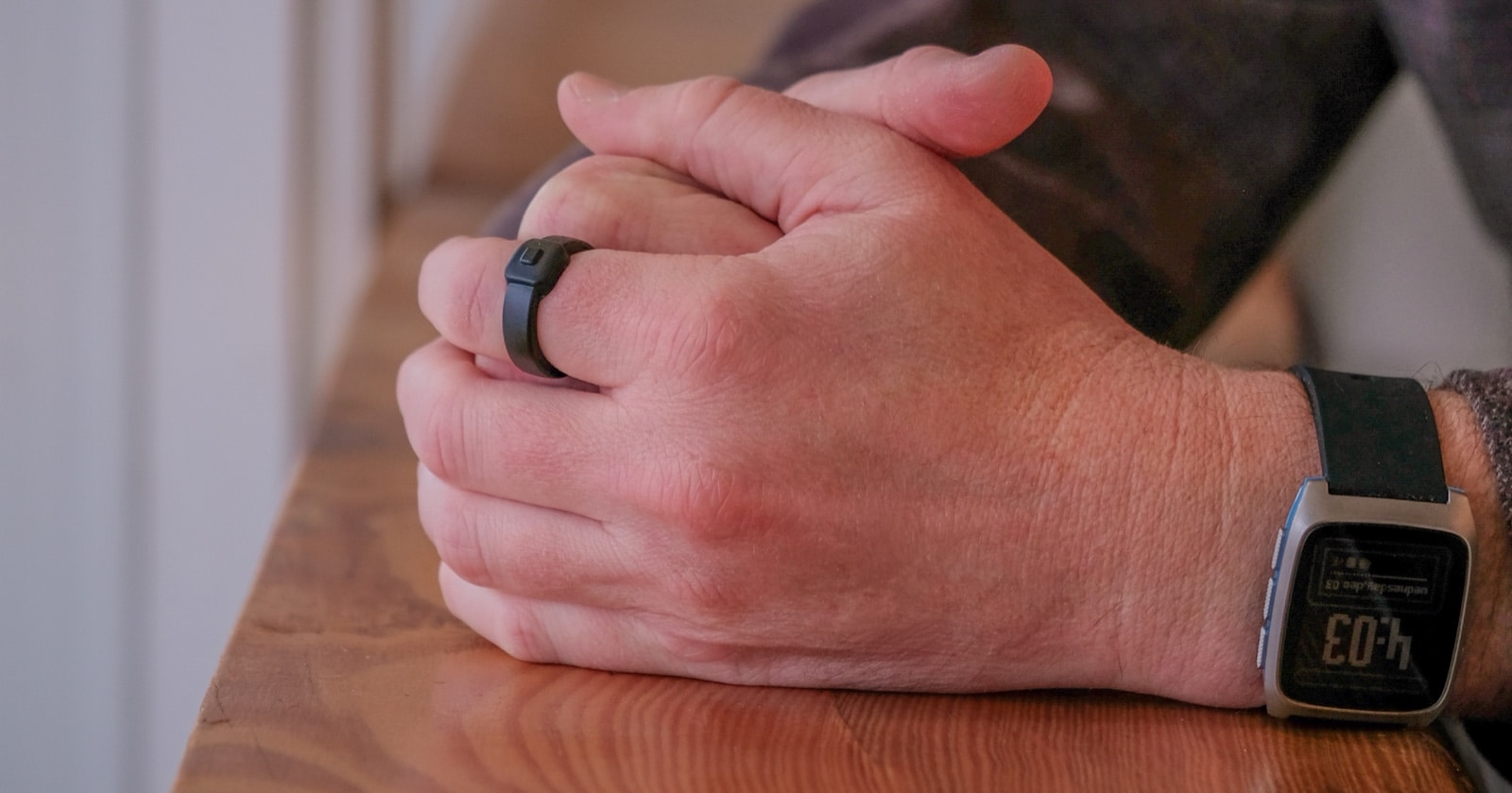
A few days ago Pebble announced the “Index 01“, which is a ring that you wear on your finger that does one simple task — records voice notes. More specifically, you press the button the ring, speak, and then it sends those notes to the app of your choosing (Apple Notes, Google Keep, Reminders, etc).
That’s all it does. It has a single button to press to record, with literally nothing else, and it’s $75. It’s kind of brilliant.
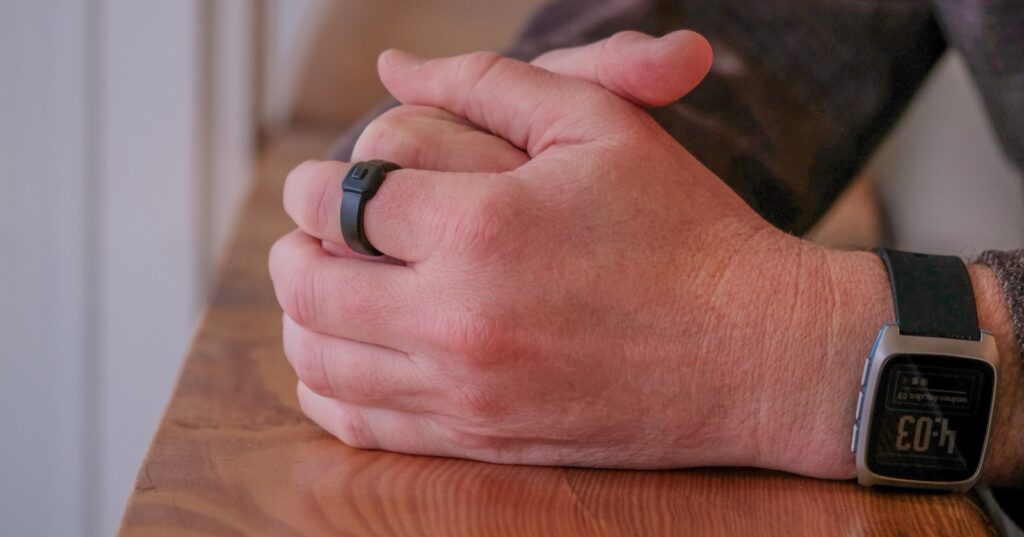
It is said to work well, and has a very interesting situation with the battery. The battery is neither rechargeable or replaceable, but will simply last 2-3 years and then you send in the ring to be recycled. Rechargeable batteries on small devices really fade after a few years anyhow, and making the battery non-rechargeable helped to keep the size of the ring much smaller. It’ll be interesting to see how it does.
That said, the idea of a simple button press to record a quick note seemed compelling to me, so I wondered if there was a way I could do this with the “action button” on the iPhone. It turns out I can, and it’s pretty easy. Here’s how to do it.
First, go into your “Shortcuts” app, and then set this up:
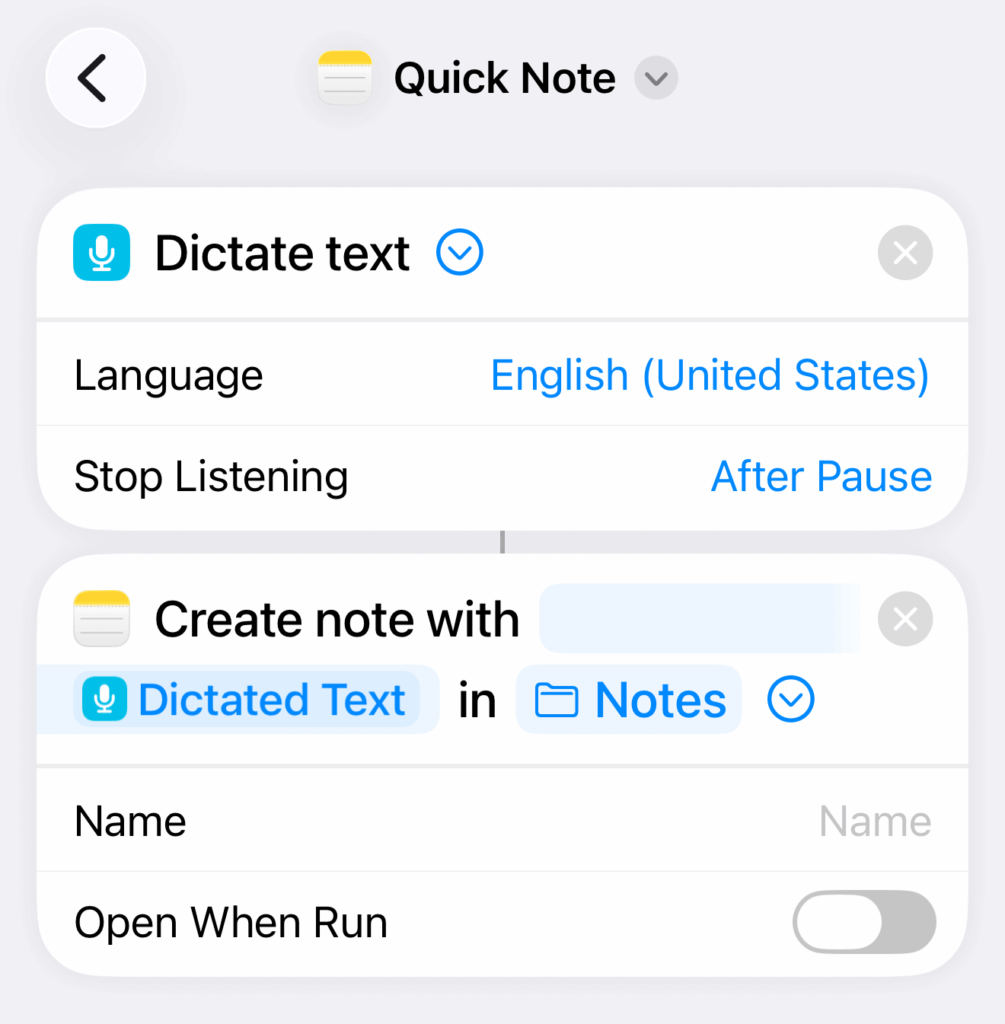
You’re essentially setting up a shortcut to do two things:
- Start a voice dictation, and stop it when you pause (you can choose to set it to require that you press the stop button if you prefer).
- When done, tuck the note into Apple Notes, but don’t “Open When Run” — just put the note in there quietly and move on.
From there, go to your main “Settings” app on the phone, then to “Action Button”, and select that shortcut.
That’s it!
Now whenever you click the Action button, the words you say next will automatically become a new note. There is no “Hey Siri, take a note” or anything; literally just press the button, talk, and then move on with your day. It’s awesome for super quick notes.
You can even add this shortcut to your Apple Watch, though it seems to require a couple of extra taps each time. This video walks through it.
Post-Processing
Of course, this is an easy way to end up with a ton of quick notes piled up on your phone, so post-processing is key. The idea above doesn’t deal with your ideas other than getting them out of your head so you can move on with your day.
It’s like the idea of “only think about cat food once” (which I first published nine years ago today) and helping to get pesky reminders out of your head. It makes a big difference!
This little shortcut isn’t mind-blowing, but it’s super convenient and I’m already using it quite a lot.
What’s your best tip for quickly jotting short notes when you’re in the middle or something?