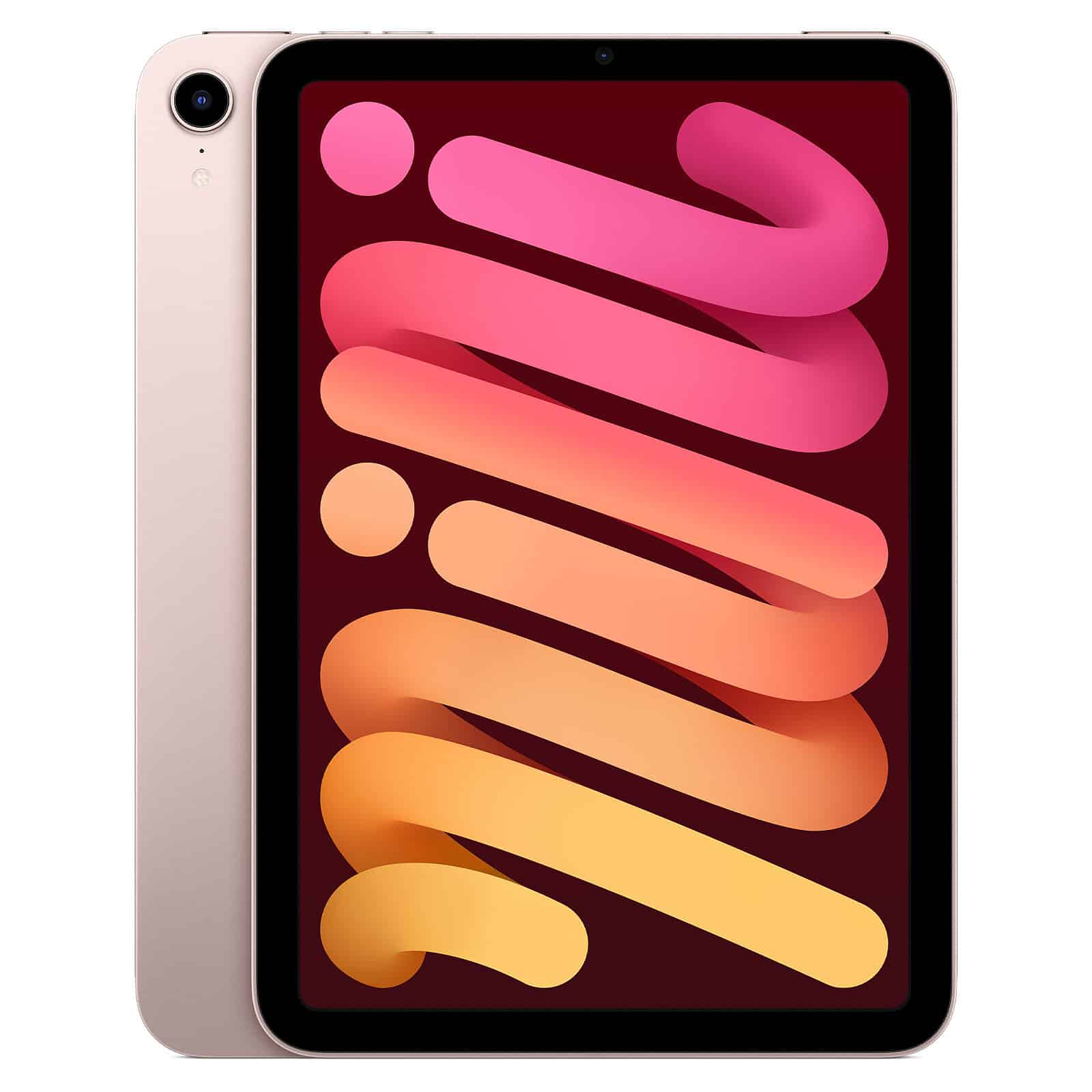
My reading techniques have changed quite a lot over the past six months, and right now I’m finding myself in an interesting place — I’m doing all of my reading on the iPad Mini.
I got it about a month ago, with the primary intention to use it as my main notebook, and it’s worked great for that! However, I somewhat accidentally started using it for reading and it’s been fantastic.
I mentioned back in July that I’ve been reading with an app called BookFusion, and then using ElevenReader to listen along, and that process has been super helpful. The drawback is that I need to keep the two apps in sync; I would generally start listening to ElevenReader on my phone, and then manually follow along with BookFusion on my Boox tablet.
Can’t really use the phone
That process works well enough, but comes with one drawback — I can’t just pick up my phone and do a bit of reading when I’m out and about. While I don’t read a whole lot from my phone, it’s nice to be able to just knock out a few more pages while I’m waiting on something. I could certainly pull up BookFusion on my phone and continue (it syncs very well between devices), but then my ElevenReader would be off-track when I got home and I’d have to fast-forward it to catch up.
Boox is heavy
The other minor drawback to my current system is that the Boox tablet is fairly heavy. I do about 50% of my reading while standing on a treadmill (with the tablet on my standing desk), but the other 50% I’m either walking or sitting on the couch (and holding the tablet in both cases).
One other minor issue with the Boox is that it’s a color e-ink screen. It’s new tech, and pretty cool, but it’s also not quite as sharp as a black and white e-ink screen. The extra sharpness would be nice to have.
Boox just revealed a few new tablets last week (the Note Air5 C, the successor to mine, and the Palma 2, a phone-sized device), but neither interested me very much. However, it got me digging into their library and I saw the Go 7, which is a slightly smaller (and much lighter) black and white eink tablet.
As I thought more about it, though, I wondered if the iPad could be a good solution instead as it brings two big advantages:
- The iPad Mini (297 g) is much lighter than the Note Air4 C (430 g), though not as light as the Go 7 (195 g).
- I could just use ElevenReader on it, without other apps. By doing that, I could also use ElevenReader on my phone (or any other devices) and keep everything in sync. Taking BookFusion out of the equation simplifies things a lot.
The downside to reading on an iPad is clear, though; e-ink screens are much easier on your eyes, which is why devices like the Kindle are so popular. Reading for long periods of time on the iPad could be troublesome, so we’ll see what that does for me and it may be the reason I switch back at some point. Two things give me hope:
- Chris Gardner, perhaps the most voracious reader that I know, does all of his reading on an iPad Mini. I didn’t mean to copy him in that regard, and it’s kind of funny that I ultimately did, but it’s just where I ended up. Still, if he can read so very much on there without a problem, perhaps I can too.
- I added the Paperlike screen protector to my iPad (which I shared a bit about here). It was primarily to improve the writing experience for note-taking, but it also does a fantastic job of removing glare from the screen and makes it much easier to read from.
We’ll see how things shift in the coming months, but right now going all in on ElevenReader on my iPad Mini has been a great way to go!