
I’ve been a big fan of the Anki flashcard app for a long time. I’ve written about it many times on here (this post is a good place to start). I’ve used it literally every day since June 6, 2018 (2,910 days in a row), but I may be moving on to something new.
While I really like the app, there are a few things that I’d like to do differently. Like many of my self-made Lovable apps, I figured I’d try building something and see what happens. When I have an app idea, sometimes it works out and sometimes it doesn’t, but it’s always a learning experience. So far, this one has worked out really well.
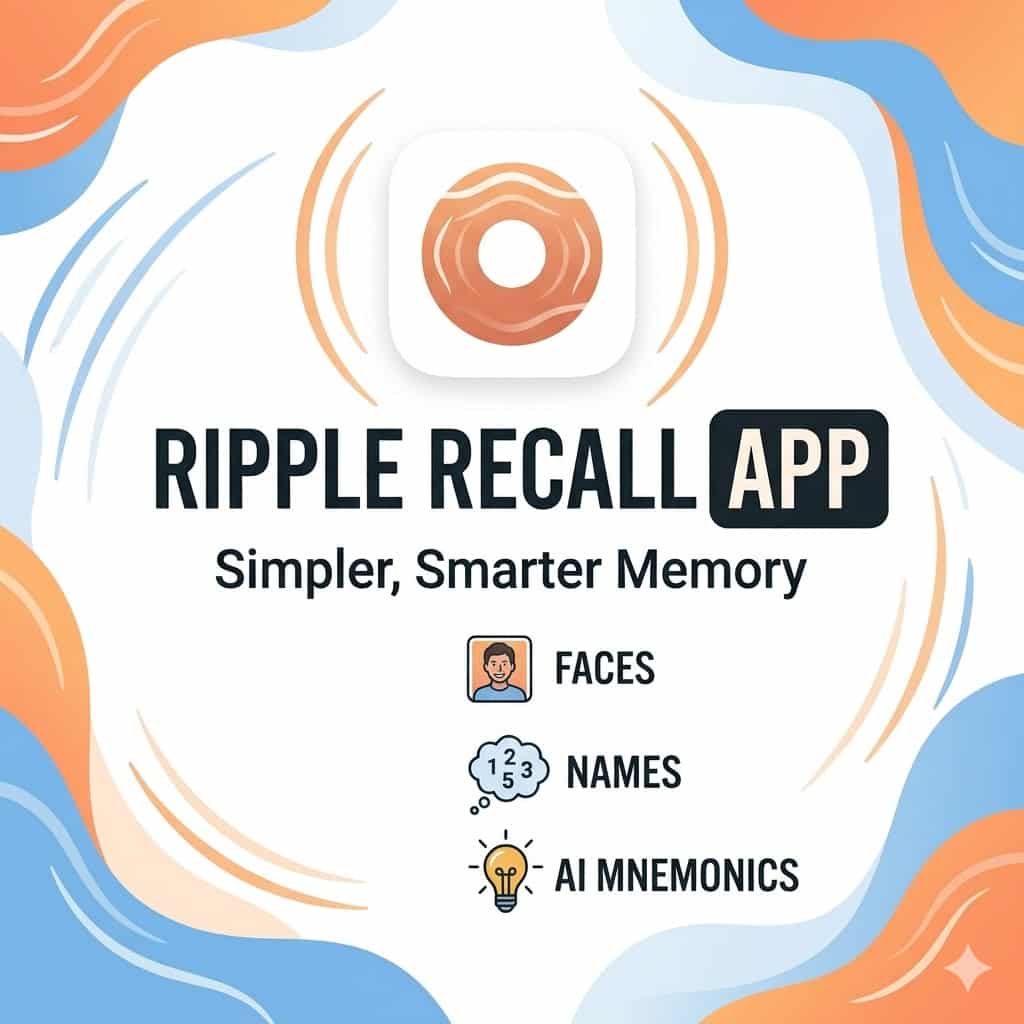
The app is available at RippleRecall.com, and while it’s very similar to Anki in the core mechanics (flashcards that you study that go through the “spaced repetition” algorithm), I did a few things differently.
Much easier to start
The Anki app is great once you get it going, but it’s a little tricky to get started. You generally need to download the app at least twice (once on your phone, once on your computer) and get them synced. It’s not a huge deal, but it’s a couple of steps that some people aren’t willing to do. With Ripple Recall, just sign up on any device and get started (and log in on any other device if you want to keep your data synced between them).
Easier to share decks
Anki has an amazing collection of shared decks, but they’re a little tricky for novices and you can only add them via the desktop app. Plus, if your shared deck doesn’t get downloaded by enough people, they remove it from the directory. Lastly, once you download a shared deck it can’t be updated on your device with new content from the author.
With Ripple Recall, the shared decks are available directly in the app, you can access them (or remove them) with a single click, and any updates to the decks are automatically given to anyone that downloads them.
Easier to cram
While both Anki and Ripple Recall are designed for long-term spaced repetition learning, there are many times when I want to just blitz through a specific set of cards (like right before an event). This is possible with Anki, but it’s kind of messy. With Ripple Recall, you can “cram” any deck you want, or create tags for a group of cards and cram for them if you want as well.
Some mnemonics built in
When it comes to learning faces and names, there are some great memory techniques that you can use to help along the way. Ron White explains a great system in this video from some years back, and I’ve tried to use pieces of that. With Anki you can kind of cobble that into the cards, but it’s a core piece of Ripple Recall and it can help a good bit to remember names. You can see more about this integration in the video below.
Downsides
Anki has a huge following for good reason, and I couldn’t put together an app that was better in every way. While I think Ripple Recall is better in many ways, I can think of two big ways where Anki is still better.
Local first: Anki cards sync across devices, but are stored locally on each device. That means if Anki goes down or you don’t have internet service, you can still review your cards. Ripple Recall relies on active internet any time you use it.
Community: Anki has a very vibrant community around the web (in such places as /r/Anki) which helps with adding new features, helping new users, and adding more shared decks to download. That community is amazing, and cannot be replicated. I plan to continue to be a part of it, as the learning community can be super valuable.
Ripple Recall is completely free and I encourage you to check it out at RippleRecall.com. You can set up an account, discover a deck to try out, and be rolling in less than a minute. For a bit more, here is a video I’ve put together that walks through everything it can do:




This has definitely got my attention! I’m probably 95% loving it and 5% hating it, and you already know what that 5% is, because it is ONE MORE THING! I’m especially excited about the book note ideas, with that same caveat. I’m going to have to rethink how to do some things. I just barely started playing today. I need to carve out a chunk to fully jump in.
My wish, and I can’t even imagine what this would look like, is to be able to extract or link to things in my note system. If I put something to remember into notes, let me include some tagging method to integrate with RippleRecall. Create once, use multiple.
Thanks for creating and then sharing. Very appreciated!