Building a fully accessible website can be very challenging. While there are a lot of basics and easy wins to handle, there are a zillion edge cases that you always need to be considering.
Knowing that everyone has accessibility needs at times is a good way to help keep this toward the front of your mind. While there are great tools for finding accessibility problems (like ours), there are a lot of little things you can do to tighten things up yourself.
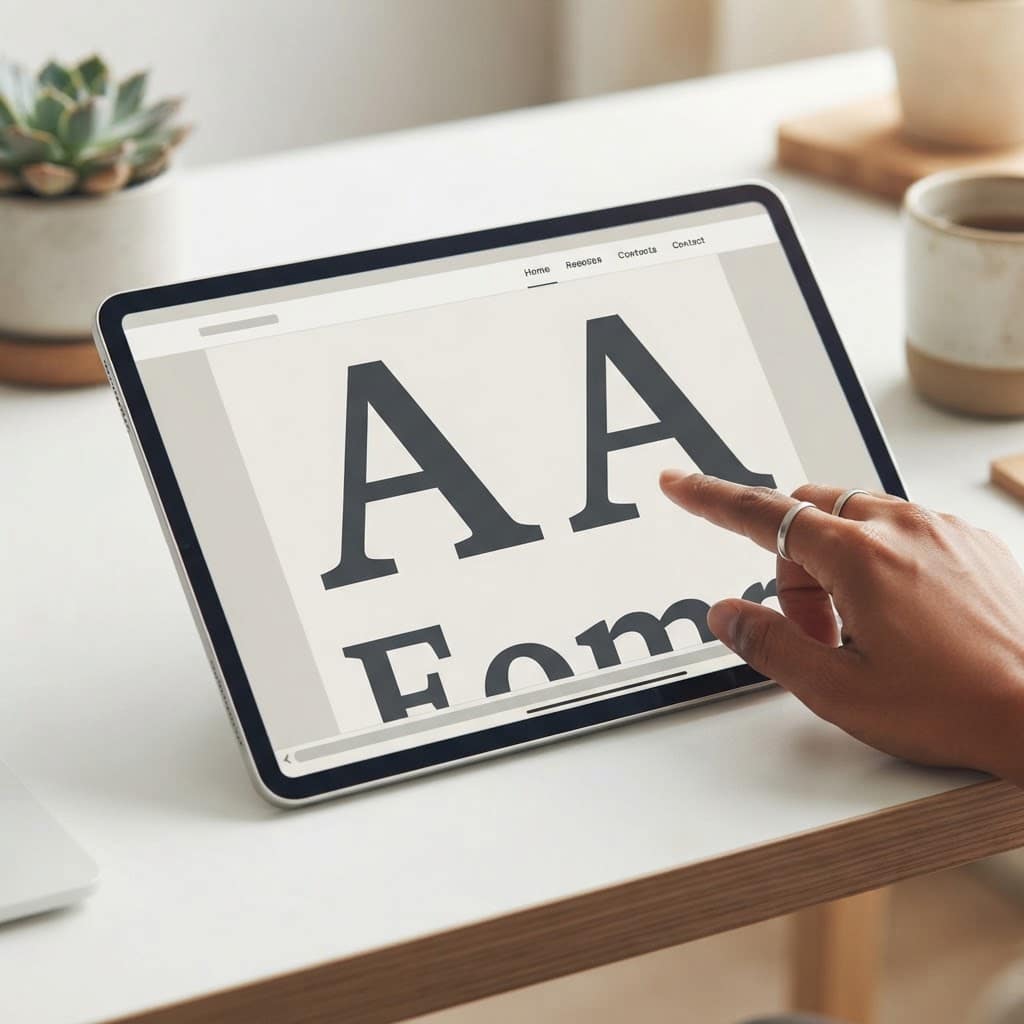
Here’s an easy one: double the size of text in your browser (hit [CTRL][+] repeatedly) and see how the site works. Can you still see the contact button? Do the cookie controls still work? Does the site suddenly have a horizontal scroll bar? Just by spending a few seconds scrolling around you’ll likely uncover some issues that need to be addressed.
Putting yourself in the shoes of a user with disabilities (like using your computer without a mouse for an hour) can be very eye opening, and this idea is super simple. Pull up your site right now, double the font size, and then see what you can do to tighten things up.