Reading Time: < 1 minute

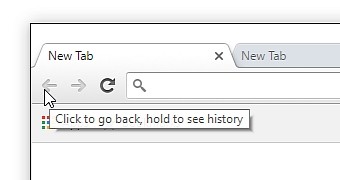
Over the years, the “back” button on web browsers has consistently been shown to be one of the most-used features on a web browser. As time as gone on, though, websites have found increasingly creative ways to break that core functionality.
The folks at the Baymard Institute have showed four design patterns that violate what users expect when they press “back”, and their research shows that 59% of websites make these mistakes.
There are simple ways to help with this, such as not having links open in new tabs (which also helps with accessibility), but Baymard’s list goes a lot deeper.
Their list consists of:
- Overlays & Lightboxes (37% of sites don’t do this)
- Filtering & Sorting (27% of Sites Don’t Do This)
- Accordion Checkouts
- Returning to the Product List from the Product Page
I encourage you to check out their full article to learn more about each of those and how to keep your site as user-friendly as possible.